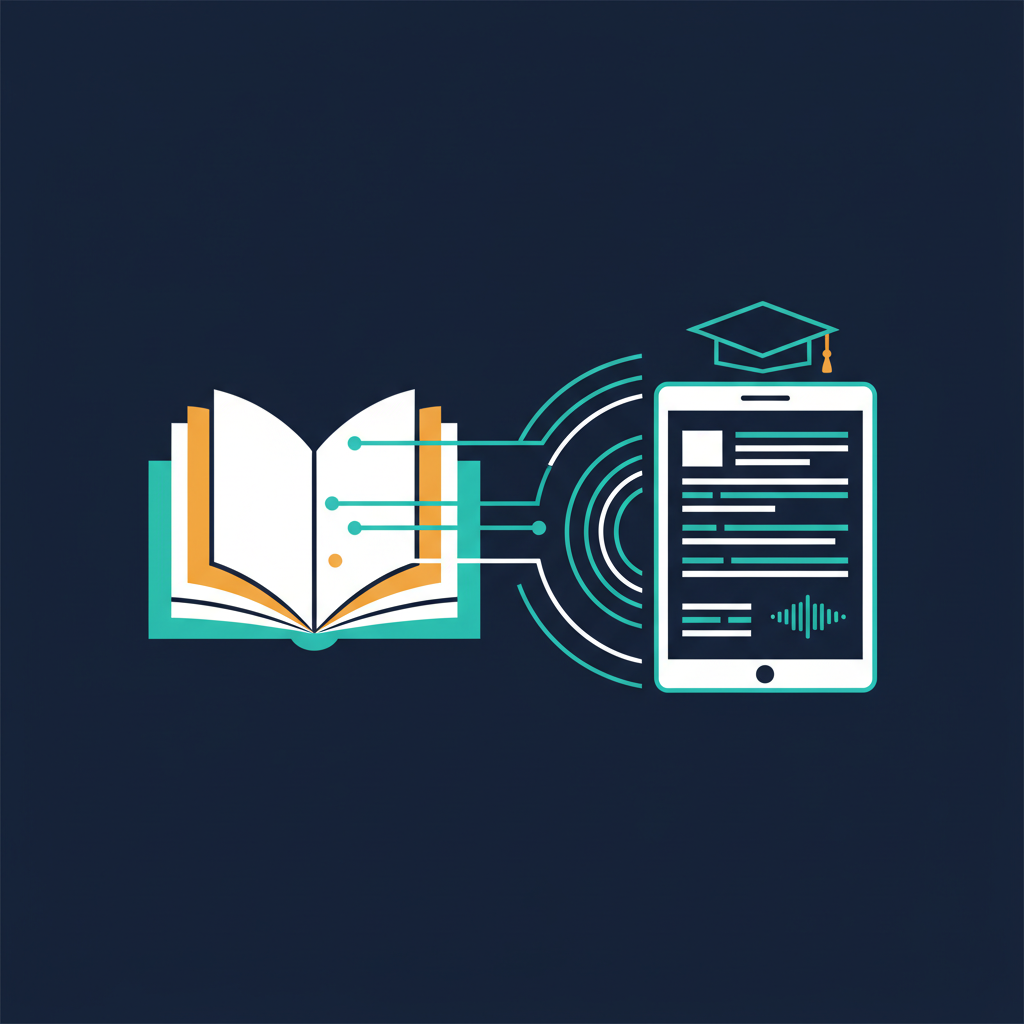
Every student knows the tradeoff: write everything down and miss the explanation, or listen carefully and hope you remember the details later. For students with hearing impairments, learning disabilities, or non-native language backgrounds, this tradeoff is even more acute.
AI-powered lecture transcription eliminates the tradeoff entirely. But the impact goes beyond accessibility — it's changing how students study, how professors teach, and what "lecture notes" even means.
The Note-Taking Problem in Education
Research consistently shows that the act of taking notes during a lecture competes with comprehension. A 2023 study in Educational Psychology Review found that students who focused on listening and reviewed transcripts afterward scored 23% higher on conceptual understanding tests than students who took manual notes during the lecture.
The reason is straightforward: writing and deep listening use overlapping cognitive resources. When you're deciding what to write down, you're not fully processing what's being said.
For international students attending lectures in a second language, the cognitive load is even higher. They're simultaneously translating, comprehending, and trying to capture notes — often missing critical context in all three.
Why University-Provided Solutions Fall Short
- Recorded lectures arrive too late. Most universities post lecture recordings 24-48 hours after class. By then, the study window for that material has often passed.
- Video recordings aren't searchable. A 90-minute lecture recording is useful only if you have 90 minutes to re-watch it. Most students don't.
- Accessibility services are limited. Note-taking services are typically reserved for students with documented disabilities. The majority of students who would benefit don't qualify.
- Auto-captions are unreliable. University Zoom recordings with auto-captions routinely mangle technical terms, professor names, and domain vocabulary.
What AI Lecture Transcription Enables
Real-Time Transcription with Academic Accuracy
AmyNote uses OpenAI's latest Speech API for transcription, handling academic vocabulary across disciplines — "eigenvalues," "phenotypic plasticity," "Keynesian multiplier," "stochastic gradient descent" — with accuracy that makes the transcript immediately useful without heavy editing.
Support for 120+ languages means international students can follow along in real-time, and the real-time translation feature bridges the gap for lectures delivered in a non-native language.
Speaker Identification in Seminars
In seminar-style classes with active discussion, knowing who said what transforms a transcript from a wall of text into a structured record. AmyNote identifies speakers and remembers them across sessions — label classmates once, and future seminars are automatically attributed.
AI-Powered Study Tools
After a lecture, AmyNote's AI — powered by Anthropic's Claude Opus — becomes a study partner:
- Ask "What were the three main arguments about market efficiency?" and get a structured answer drawn from the lecture content
- Request a summary of key concepts with the professor's exact explanations
- Search across an entire semester's lectures for every mention of a specific topic
- Generate study questions based on lecture content
This isn't generic AI — it's AI grounded in what was actually said in your specific lectures.
The Accessibility Impact
For students with hearing impairments, ADHD, dyslexia, or processing differences, real-time transcription isn't a convenience — it's the difference between participating and being left behind.
- Deaf and hard-of-hearing students get real-time text they can follow during the lecture, not captions that lag or garble technical terms.
- Students with ADHD can focus on listening without the anxiety of missing something — everything is captured and searchable later.
- Non-native speakers can review the transcript at their own pace, looking up unfamiliar terms without falling behind.
- Students with processing differences can re-read complex explanations multiple times, at their own speed.
Privacy in Educational Settings
Student data protection matters — FERPA in the US, GDPR in Europe, and institutional policies everywhere. When students record lectures that include classmate discussions, the privacy architecture of the transcription tool becomes relevant.
AmyNote's approach: transcription through OpenAI's Speech API, AI analysis through Anthropic's Claude Opus. Both providers contractually guarantee zero training on user data. No lecture audio feeds into AI training pipelines. Transcripts stay on the student's device with encrypted transport.
For institutions evaluating tools for campus-wide deployment, this architecture simplifies the compliance conversation considerably.
The Study Workflow Transformation
| Traditional | With AI Transcription | |
|---|---|---|
| During lecture | Split attention: listen + write | Full attention on understanding |
| After lecture | Decipher handwritten notes | Review clean, searchable transcript |
| Exam prep | Re-read scattered notes | AI-powered Q&A across all lectures |
| Finding specific content | Flip through notebooks | Semantic search in seconds |
Getting Started
AmyNote works for in-person lectures — no special setup, no bot joining a video call. Open the app, tap record, and the lecture is transcribed in real-time. After class, the AI summary, search, and Q&A features turn the transcript into a study tool.
Transcription by OpenAI. AI analysis by Anthropic's Claude Opus. Zero-training guarantees from both. Everything stays on your device.
3-day free trial. No credit card required.