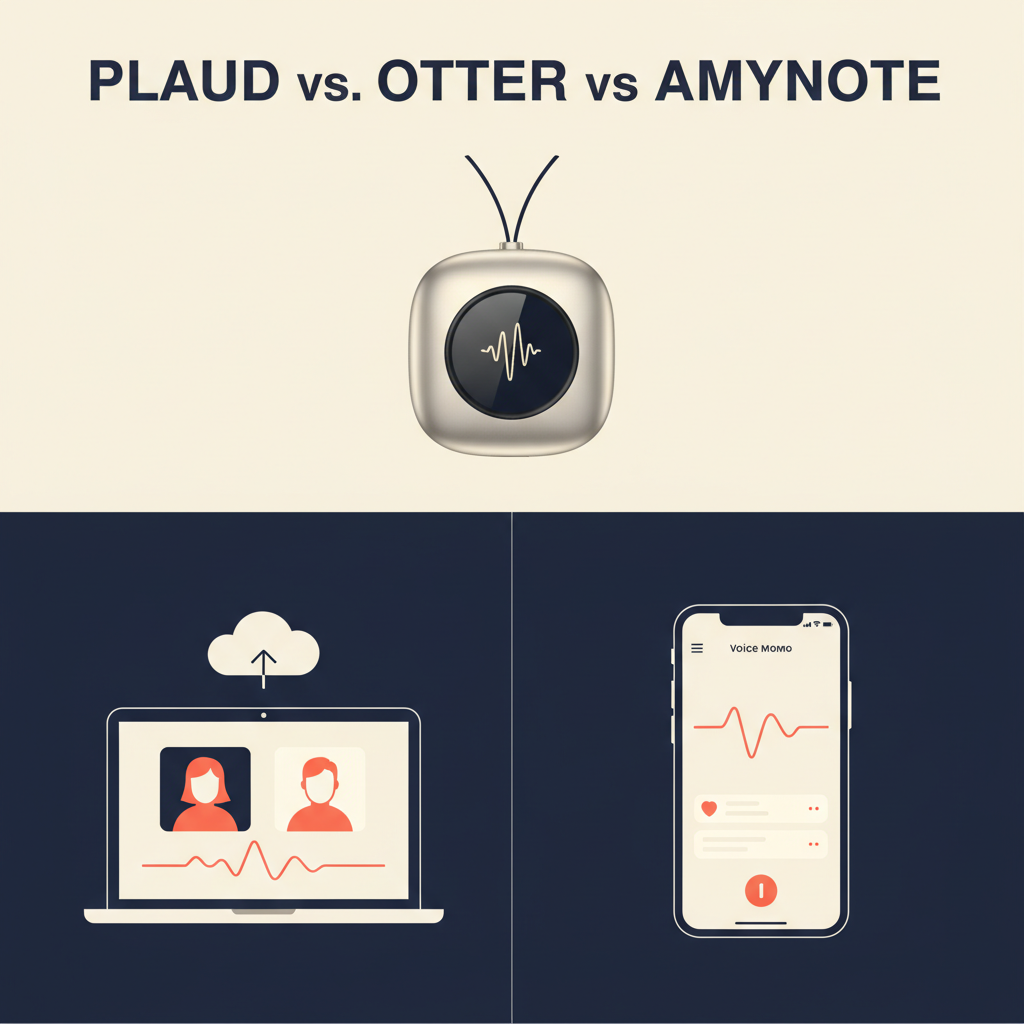
Three very different answers have hardened into category leaders in 2026. Plaud sells you a pocket device. Jamie sells you a bot-free desktop app at a premium price. AmyNote sells you a mobile app that handles both. Each is a real product with real users. None of them is the right answer for everyone.
This is an honest, side-by-side look at how the three actually differ, with current pricing, language support, privacy posture, and where each one breaks down.
Quick Verdict
Plaud Note Pro is the right answer if you live in face-to-face meetings, are willing to carry a $189 piece of hardware, and want best-in-class capture of in-person conversations.
Jamie is the right answer if you run your day on a Mac or Windows machine, want bot-free notes for video meetings, and can absorb a roughly €39/month price tag for unlimited use.
AmyNote is the right answer if your phone is already in your pocket and you want one tool that captures both in-person and online meetings without buying hardware or pulling out a laptop.
What We Compared
Five things matter when you pick one of these tools, and we held all three against the same yardstick:
- Capture method. Hardware device, desktop audio capture, or mobile app.
- Where it works. In-person, video calls, hybrid rooms, or all three.
- Pricing in 2026. Total cost of ownership, not just the headline number.
- Language support and translation. Bare minimum or genuinely multilingual.
- Privacy and data handling. Where audio goes, who can see it, what gets trained on.
Plaud Note Pro: Strengths and Weaknesses
Plaud's bet is that the best capture tool is a dedicated device. The Note Pro is a small, magnet-backed recorder you stick to a notebook, a laptop lid, or a phone. It has two capture modes: a vibration mode for phone calls and an ambient mode for in-person meetings.

Strengths
- Best-in-class in-person capture. A purpose-built microphone beats a phone or laptop mic in noisy rooms.
- Up to 64 hours of recording on one charge, with offline storage for transcription later.
- 112 languages supported. Strong global coverage.
- SOC2 and ISO 27701 certifications for buyers who need that compliance posture.
Weaknesses
- You have to buy a device. Note Pro is $189 up front. If you forget it at home, you have nothing.
- The subscription is layered. Hardware is just the start. The Free tier gives you 300 transcription minutes per month. Pro is $99.99/year for 1,200 minutes/month. Unlimited is $239.99/year. Heavy users effectively pay $239 plus the hardware in year one.
- AI features are cloud-dependent. The device records locally, but summaries, mind maps, and search all require Plaud's cloud.
- No real-time transcription. You see the result after the meeting, not during it.
Jamie: Strengths and Weaknesses
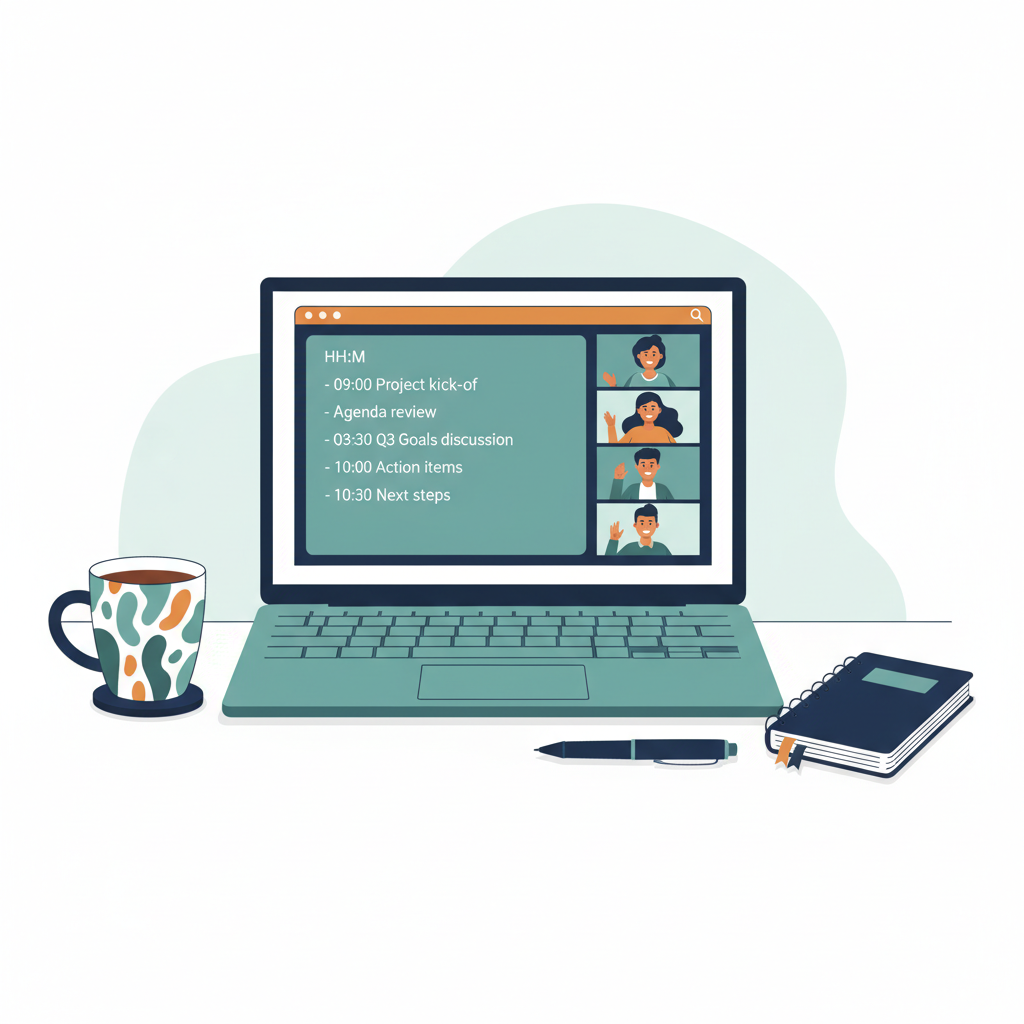
Jamie's bet is the opposite of Plaud's. No hardware, no bot in your meetings, just a polished desktop app that captures system audio and your microphone, then writes the notes for you.
Strengths
- Bot-free by design. Nothing joins your Zoom or Teams call as a participant. Other attendees see no "Jamie is recording" tile.
- Works on any meeting platform. Because it captures system audio, it does not care whether you are on Zoom, Meet, Teams, Webex, or a browser-based room.
- Strong privacy posture. EU hosting, GDPR compliance, and a contractual commitment that customer data is not used to train models.
- 99+ languages. Real multilingual coverage for global teams.
- In-person capture works when you put the laptop on the table.
Weaknesses
- The price ladder is steep. Free gives you 10 meetings per month capped at 30 minutes each. Plus is €21/month for 20 meetings up to 2 hours. Pro, the first tier with unlimited meetings, is €39/month with a 3-hour cap per meeting. Team is €33/seat/month with a 2-seat minimum.
- Desktop-only. No first-class mobile app. If your laptop is closed, Jamie is not capturing.
- Per-meeting caps. Even on Pro, a single conversation longer than 3 hours falls outside the plan.
- No hardware option. Capture quality is bound by whatever microphone is in your laptop.
AmyNote: Strengths and Weaknesses
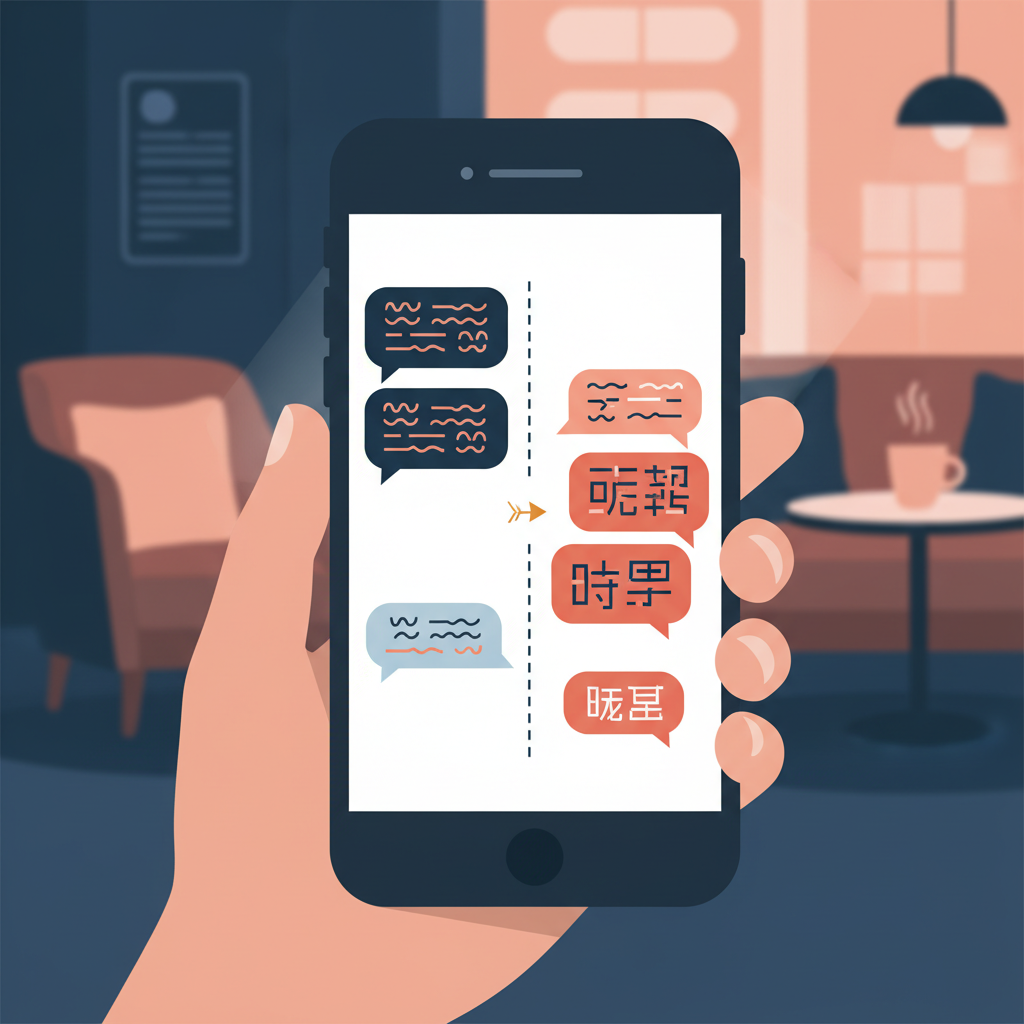
AmyNote's bet is that the device most people already carry, a smartphone, is the right capture surface for both in-person and online meetings. It is a mobile-first app, not a hardware product or a desktop tool.
Strengths
- One tool for both worlds. A real in-person meeting and a Zoom call use the same workflow. Open the app, hit record, get a transcript and an AI summary.
- Privacy architecture. Transcription runs through OpenAI's Speech API. AI analysis is powered by Anthropic's Claude Opus. Both providers contractually guarantee zero training on user data. Audio is encrypted in transit; processing copies may be retained to deliver and recover requested features. All transcripts and recordings are stored locally on the user's device with encrypted transport.
- 120+ languages with real-time translation. Broader than Plaud and Jamie, with side-by-side translated transcripts.
- Cross-session Speaker ID. Speakers are remembered across meetings, not reset every session.
- No minute caps, no tier confusion. Simpler than Plaud's three-tier hardware-plus-subscription stack and Jamie's five-tier ladder.
- 3-day free trial, no credit card required.
Weaknesses, honestly
- No desktop app. If you live on a laptop and rarely touch your phone for capture, this is the wrong tool.
- No CRM integrations. Salesforce, HubSpot, and pipeline auto-sync are not in scope today.
- No video recording. Audio plus transcript, not a video clip library like tl;dv or Fathom.
- Smaller brand than Plaud or Otter. Fewer Reddit threads, fewer G2 reviews.
Side-by-Side Comparison
| Plaud Note Pro | Jamie | AmyNote | |
|---|---|---|---|
| Capture surface | $189 hardware device | macOS / Windows desktop app | iOS & Android mobile app |
| In-person meetings | Excellent, purpose-built mic | Workable, depends on laptop mic | Very good, phone mic + AI cleanup |
| Online meetings | Indirect; needs vibration mode | Excellent; system-audio capture | Very good; system/speaker on mobile |
| Bot-free | Yes | Yes | Yes |
| Languages | 112 | 99+ | 120+ with real-time translation |
| Real-time transcription | No, post-meeting only | Yes | Yes |
| Cross-session Speaker ID | Per-session only | Per-session, manual labels | Cross-session by default |
| Privacy & training | SOC2, ISO 27701; cloud AI | EU hosting, GDPR, no training | OpenAI & Anthropic contractual zero-training; local storage with encrypted transport |
| Mobile use | Device pairs with phone app | No first-class mobile app | Native iOS & Android |
| Pricing | $189 hardware + Free 300 min / Pro $99.99/yr / Unlimited $239.99/yr | Free 10 mtgs / Plus €21/mo / Pro €39/mo / Team €33/seat/mo | Simple subscription; 3-day free trial, no credit card |
How to Pick
Map your typical week against the three columns above. Count the meetings that happened across a table or in a car. Count the meetings that happened on Zoom, Meet, or Teams. Count the meetings that happened in a language other than English. Whichever number is largest is the column that should drive the decision.
If most of your meaningful conversations happen face to face, a dedicated recorder pays for itself the first time you walk out of a session with a clean transcript no phone could have produced. If most of your conversations happen on a screen and you can absorb a premium subscription, a bot-free desktop tool removes the "Jamie is recording" tile that some clients refuse to be on a call with. If your week is split, or if your phone is the only device guaranteed to be with you, a mobile-first app stops being a compromise and starts being the actual right answer.
The Bottom Line
These three tools are not competing for the same shelf. They are competing for very different jobs.
If your work happens in rooms, in cafes, and on the move, and you do not mind buying and carrying a dedicated device, Plaud Note Pro is the cleanest capture tool in the category. The hardware cost is real, the subscription is layered, but the in-person audio quality is genuinely best-in-class.
If your work happens behind a desk, on Zoom and Teams all day, and you can absorb roughly €39/month for unlimited meetings, Jamie is one of the better bot-free desktop tools on the market in 2026. The price ladder is its main friction, not its product quality.
If you want one tool, on the device already in your pocket, that handles in-person conversations and online meetings, in 120+ languages, without a minute cap or a hardware purchase, AmyNote is built exactly for that job. Mobile-first is the limitation and the point. You can try it on amynote.app with a 3-day free trial and no credit card.
Pick the tool that matches where your meetings actually happen, not the one with the most features on a comparison chart. The best capture tool is the one you have with you when the conversation starts.
Originally published as an X Article.