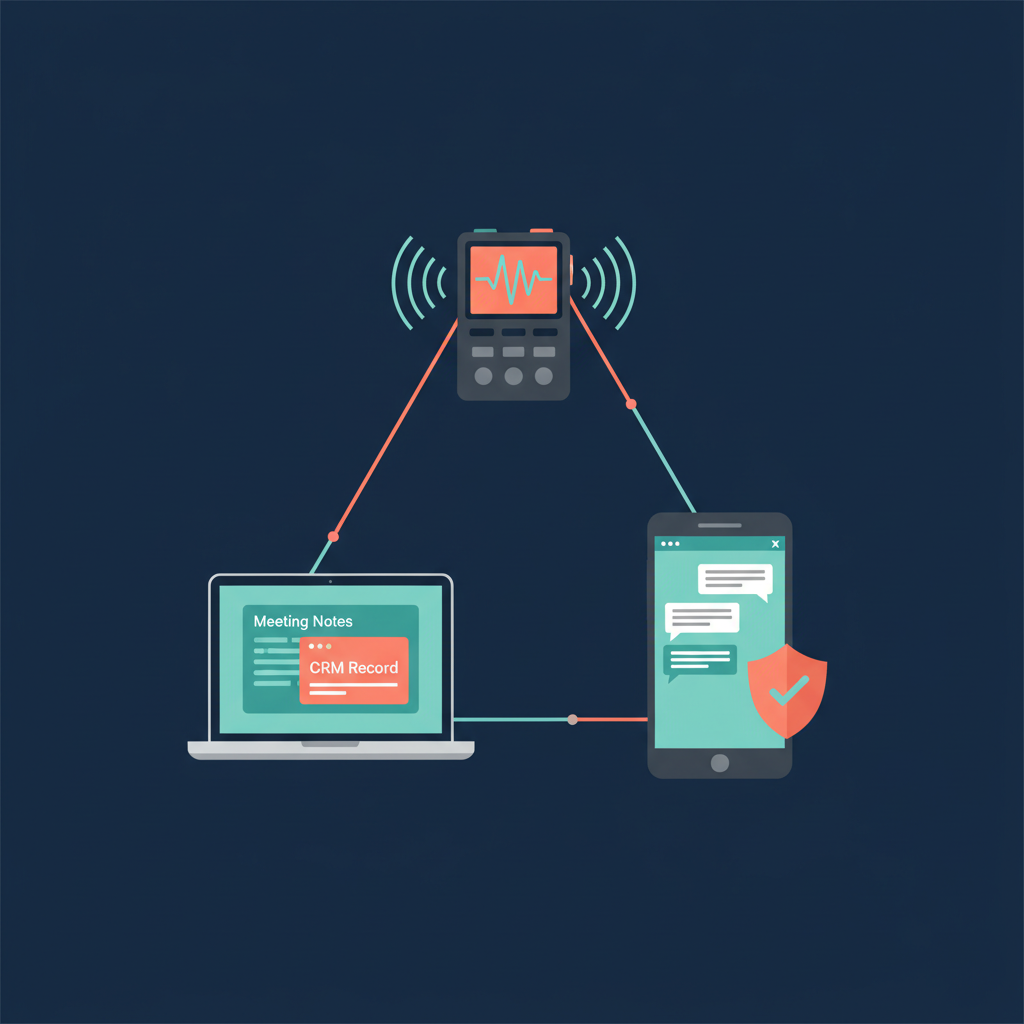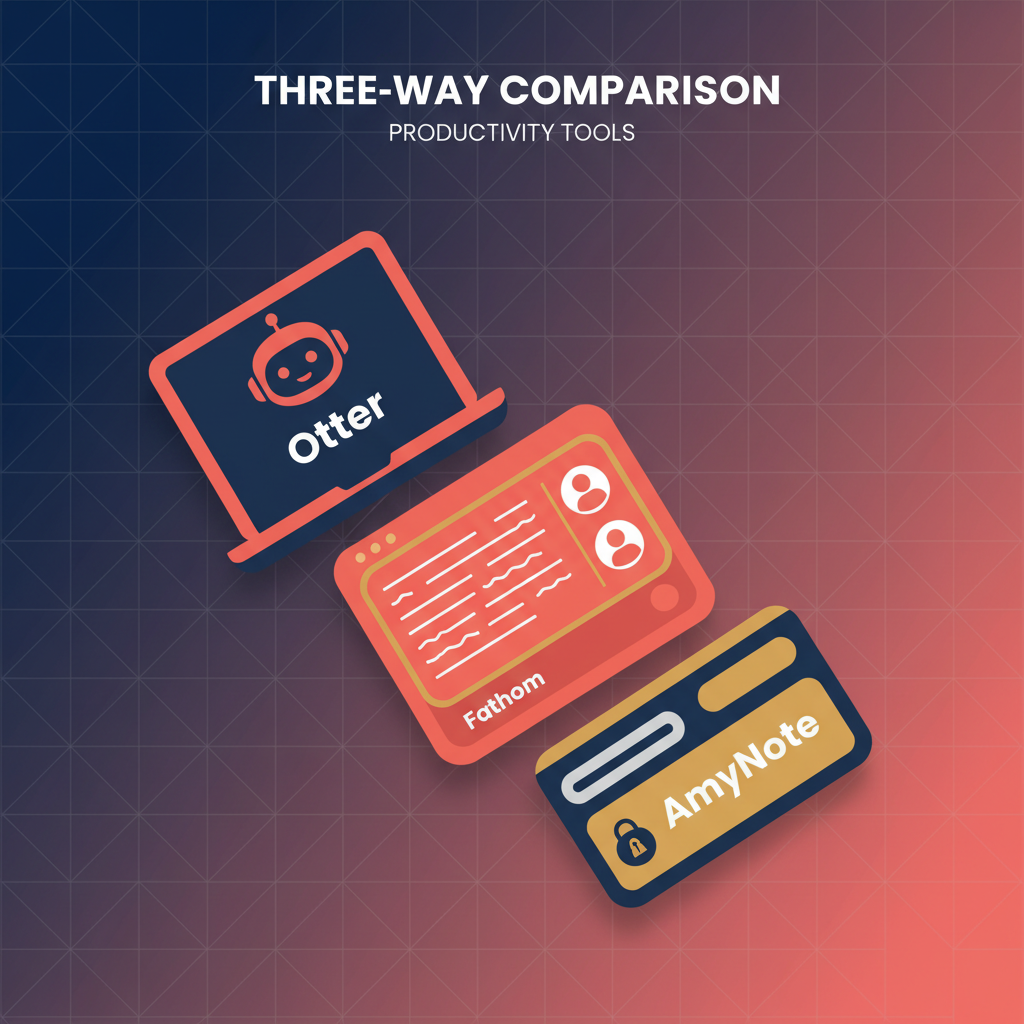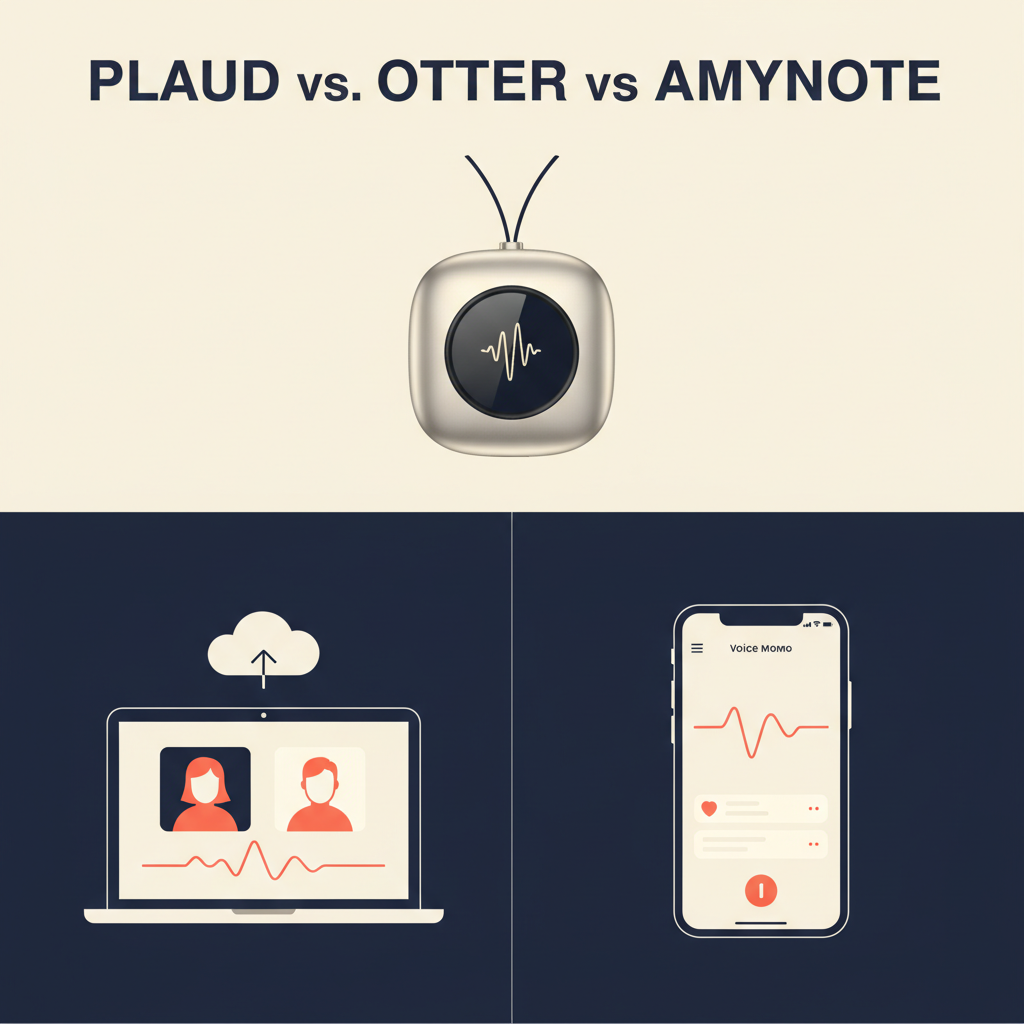
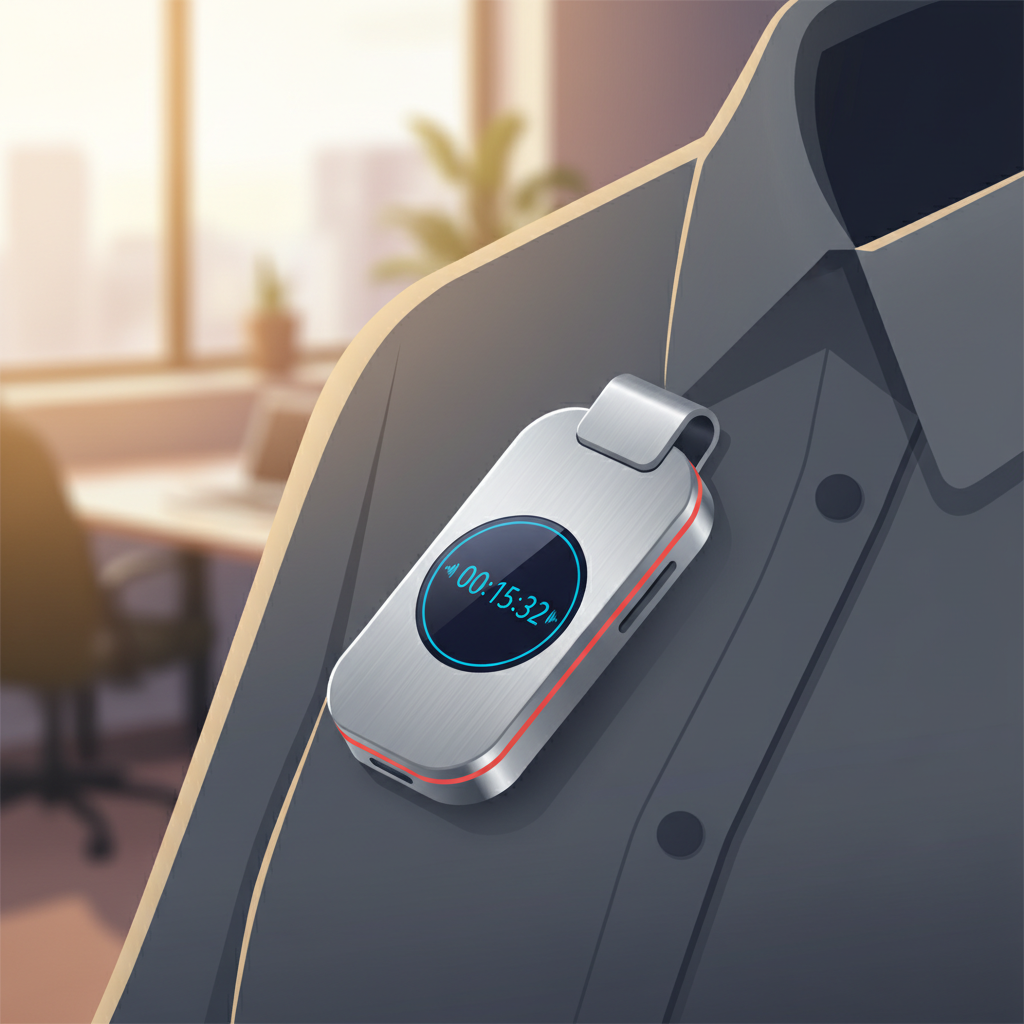
Plaud sells a pendant recorder you clip to your shirt. Otter joins your video meeting as a guest bot. AmyNote runs on the phone already in your pocket. The right pick depends entirely on where your conversations actually happen — and once you map your week against those three capture models, the answer usually becomes obvious.
Quick Verdict
If most of your meetings happen in person or in cars: Plaud's hardware capture wins. The recorder is the product.
If your week is wall-to-wall Zoom, Meet, and Teams: Otter's auto-join bot and cross-meeting search are hard to beat.
If your conversations are mixed, mobile, and privacy-sensitive: AmyNote keeps audio and transcripts on your device with contractual zero-training from both AI providers.
What We Compared
Three dimensions matter more than feature checklists: where the audio gets captured, where it gets stored, and what the AI is allowed to know about it afterward. We pulled current pricing from each vendor's site, checked language coverage, and tested how each tool handles the awkward middle ground where modern work actually lives — half in person, half on a screen, often within the same hour.
None of these tools is a bad product. They are built for three different jobs that only sometimes overlap. The cost of picking wrong is not that the tool fails; it is that you carry hardware you never use, pay a per-seat subscription for a bot you cannot bring on the call, or hand a competitor your conversations because the default capture path sent them somewhere you would rather they not go.
Plaud Note Pro: The Hardware Approach
Plaud's pitch is physical. The Note Pro is a 1.06 oz aerospace-aluminum slab, 0.12 inches thin, with a 0.95-inch AMOLED screen and a four-mic array that picks up voices from up to 16.4 feet. The 500 mAh battery runs 30 hours in Enhance mode or 50 hours in Endurance mode, and the device sits in standby for 60 days. You clip it on, tap to record, and the audio syncs to the Plaud app for transcription in 112 languages with speaker labels and custom vocabulary.
Strengths
- Beats every laptop microphone for in-person capture. The mic array plus on-device noise processing is genuinely better than a phone left on a conference-room table.
- Always-on convenience. No app to open, no permissions to grant, no Bluetooth handshake. Tap and go.
- Massive language coverage. 112 languages with custom vocabulary makes it credible for international fieldwork and multilingual sales territories.
Weaknesses
- You have to carry the hardware. Forget it on the kitchen counter and it does nothing. There is no fallback path; the recorder is the product.
- Subscription on top of the device. The Note Pro is $189, but the free Starter tier caps transcription at 300 minutes per month. Pro is $99.99 per year for 1,200 minutes. Unlimited is $239.99 per year for up to 24h/day. Top-up minute packs do not roll over.
- Cloud-dependent processing. Audio leaves the device for transcription. The app handles enterprise controls, but the workflow assumes you trust their cloud.
Otter: The Cloud Meeting Bot
Otter takes the opposite approach. There is no device and no app to launch during a meeting. OtterPilot scans your calendar, joins Zoom, Google Meet, and Microsoft Teams as a participant, transcribes in real time, and produces an AI summary the moment the meeting ends. Business plans let one user dispatch the bot to three concurrent meetings — useful for managers who get scheduled into two parallel calls and have to pick.
Strengths
- Frictionless on video calls. Calendar integration plus auto-join means you stop thinking about it. The transcript is in your dashboard before the meeting ends.
- Cross-meeting AI Chat. Ask "what did Sarah commit to last quarter?" and Otter searches every transcript on your account. For a sales team, the search-across-history feature is the actual product.
- Mature collaboration features. Shared folders, highlight reactions, action-item extraction, and CRM exports are battle-tested for sales orgs running thousands of calls a quarter.
Weaknesses
- Bot-as-participant has social friction. Some clients refuse to be on a call with an unattended Otter avatar in the gallery. Some compliance teams refuse, period. In regulated industries, the bot icon is a deal-breaker before the conversation starts.
- English-first language support. Only six languages: English, Spanish, French, German, Japanese, and Simplified Chinese. If your team handles a seventh, Otter is not the answer.
- Designed around video calls. In-person meetings need a workaround. A mobile recorder app exists but is clearly the secondary product.
- Pricing climbs fast for teams. Business is $19.99 per user per month annual ($30 monthly). Meeting transcription is unlimited, but imported-file minutes are still capped at 6,000 per user, with a 4-hour cap per conversation.

AmyNote: Mobile-First with Privacy Defaults
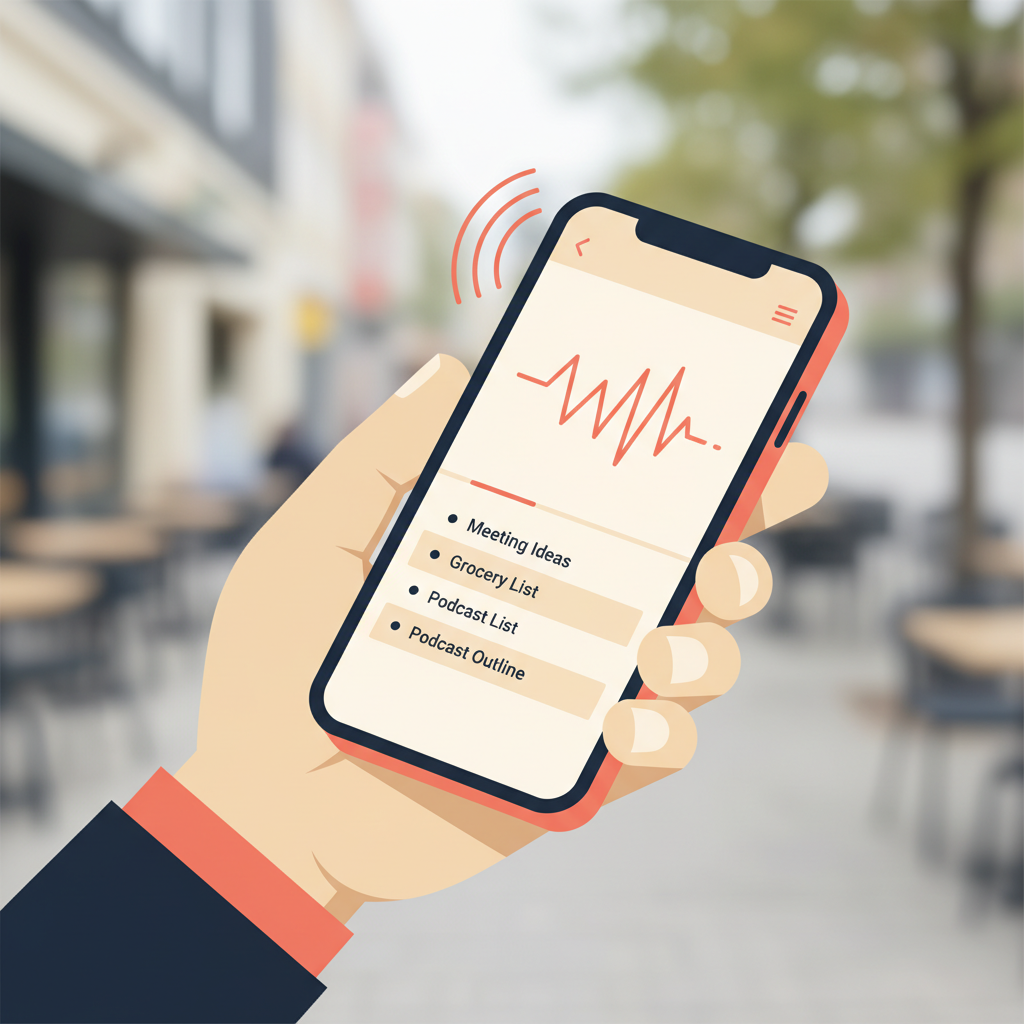
AmyNote runs on the phone you already carry. Transcription uses OpenAI's latest Speech API. AI summaries, search, and Q&A run on Anthropic's Claude Opus. The differentiator is what does not happen: audio processing copies may be retained to deliver and recover requested features, transcripts live on your device with encrypted transport, and both AI providers contractually guarantee that user data is never used for model training.
Strengths
- Works for any conversation that happens near a phone. Coffee chats, ride-alongs, site visits, hybrid meetings where half the room is remote. No hardware to buy, no bot to invite.
- Zero-training guarantees from OpenAI and Anthropic. Audio is encrypted in transit; processing copies may be retained to deliver and recover requested features. Transcripts stored locally on device with encrypted transport. This is the differentiator for regulated industries — legal, medical, financial — where the bot icon and the cloud upload are both non-starters.
- 120-plus languages with real-time translation. Useful when an international call shows up on the calendar unannounced, and useful again when the same call has a follow-up dinner in another language.
- Cross-session speaker memory. Name participants once and they stay labeled across every subsequent meeting with the same people — a feature neither Plaud nor Otter delivers.
Weaknesses
- Phone microphone, not a dedicated array. In a noisy 12-person boardroom from the back of the table, a Plaud pendant will outpick a phone left on the conference table.
- No auto-join bot. AmyNote will not magically appear in your 10 a.m. Zoom. You start the recording yourself.
- iOS-first. Heavy Windows-and-Android shops should check current platform availability before standardizing.
Side-by-Side Comparison
| Plaud Note Pro | Otter | AmyNote | |
|---|---|---|---|
| Capture model | Dedicated hardware | Cloud bot in video calls | Phone in your pocket |
| Best venue | In person | Video calls | Both |
| Entry price | $189 + free 300 min/mo | Free, 300 min/mo | 3-day free trial, no card |
| Mid-tier subscription | $99.99/yr · 1,200 min | $8.33/mo annual · 1,200 min | In-app pricing |
| Language coverage | 112 | 6 | 120+ with translation |
| Where audio lives | Plaud cloud | Otter cloud | Local on device, encrypted transport |
| Training opt-out | Per policy | Per policy | Contractually guaranteed (OpenAI & Anthropic) |
| In-person fit | Excellent | Weak | Good |
| Video-call automation | None | Excellent | Manual start |
| Cross-session Speaker ID | No | No | Yes |
How to Pick
Map your week before you map the features. Count how many of your meaningful conversations last week happened across a conference table, in a car, on a job site, or on a sidewalk. Count how many happened with a bot in the gallery on Zoom, Meet, or Teams. The honest answer for most people is that both columns are non-zero — and that is the entire reason this comparison exists.
If column one dominates, buy the hardware. The $189 plus subscription is cheap insurance against the hour of post-meeting reconstruction the phone microphone could not save you from. If column two dominates and your clients tolerate a meeting bot, Otter's calendar-driven workflow is the most frictionless option on the market. If the columns are split, or if you sit in regulated industries where neither the bot icon nor the cloud upload survives compliance review, the mobile-first answer is the only one that crosses both columns without a workaround.
The Bottom Line
These three products are not really competing for the same job. Plaud wins if your day looks like sales calls in cafes and contractor meetings on roofs. Otter wins if your day is back-to-back video calls and your team lives in shared docs. AmyNote wins if your conversations move between in person and video, you work in a regulated industry, or you simply do not want a transcript of your client conversations sitting on someone else's servers.
If privacy and mobility matter to you, AmyNote is the version of this category that takes both seriously. Either way, the right answer is the one that fits where your conversations actually happen, not where the vendor wishes they did. Start a 3-day trial at amynote.app.
Originally published as an X Article.