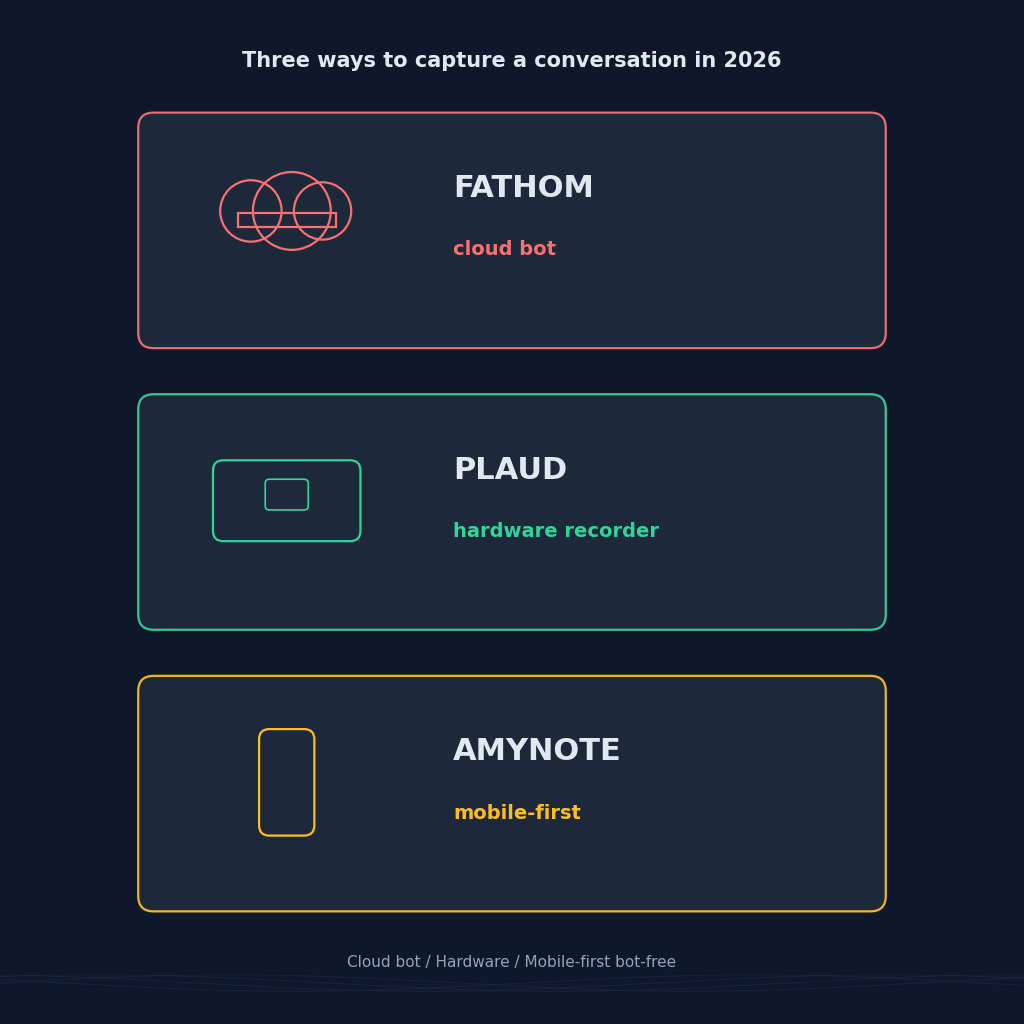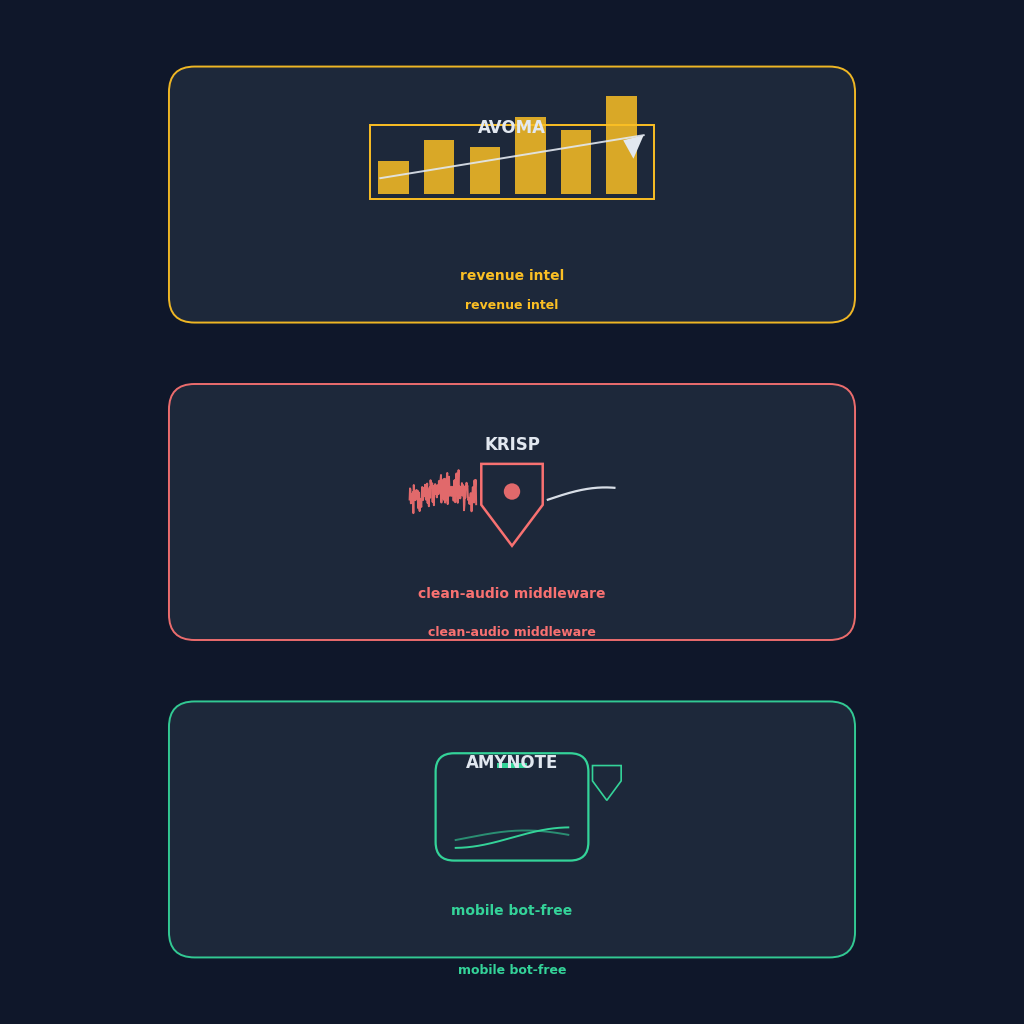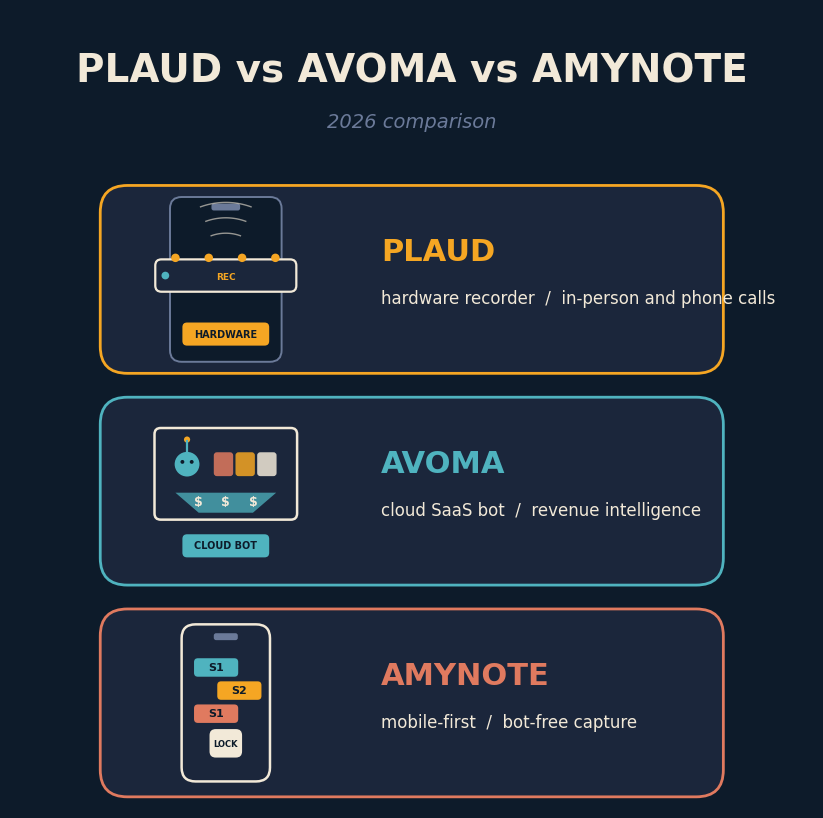
Three tools, three completely different bets on how meetings should be captured. Plaud Note Pro is a pocket-sized recorder that clips to your phone and captures whatever room you walk into. Avoma is a cloud SaaS that joins every video call as a bot and mines the transcript for pipeline signals. AmyNote is a mobile app that does neither yet still ends up on the same shortlist. Picking between them is less about features than about which meetings you actually have.
The comparison matters because the three tools do not really compete on features. They compete on where the audio starts. A Plaud user is thinking about a courtroom hallway, a hospital ward, a factory walk, a country-club dinner. An Avoma user is thinking about the Salesforce opportunity that is stuck at Stage 3 and the rep who keeps forgetting to log the decision-maker. An AmyNote user is thinking about the phone already in their pocket and the intake conversation about to start at a jail visitation window or on the drive back from a client site. Buy the tool whose starting point matches your calendar.
Quick Verdict
Pick Plaud if most of your meetings happen in physical rooms, on regular phone calls, or in the field, and you can absorb the hardware plus a subscription. Pick Avoma if your calendar is one hundred percent Zoom, Meet, and Teams, and your team measures itself on pipeline coverage and deal velocity. Pick AmyNote if your meetings are a mix of in-person and mobile, no bot is welcome in the room, and you want privacy guarantees plus flat pricing without a USD 189 device to buy.
What We Compared
Three fundamentally different form factors: dedicated hardware recorder, cloud conversation-intelligence platform, and mobile-first app. The comparison focused on capture surface, transcription accuracy, AI depth, privacy posture, and total cost of ownership at one user for twelve months.
Plaud captures at the hardware level through its recorder card, with 64 GB of local storage and cloud sync for AI. Avoma joins video meetings as a bot and runs everything through the cloud, layered with CRM sync and deal analytics. AmyNote records through the phone microphone, keeps files on device, and only sends audio to OpenAI's Speech API and Anthropic's Claude Opus for analysis under contractual zero-training terms.
We skipped the features all three do well. Real-time transcription (except Plaud, which is intentionally offline first), speaker labels, action-item extraction, and keyword search across transcripts are floor-table stakes for any serious 2026 tool. The interesting decisions live at the edges: whether the audio ever leaves the room, who is contractually barred from training on it, and how much the annual line item really costs once add-ons and hardware are counted.
Plaud: Strengths and Weaknesses
Strengths
Plaud is the only tool built for the physical world. The Note Pro is a 2.99 mm card that clips to the back of your phone, packs four microphones plus a dedicated voice processing unit, and holds 64 GB which is roughly 480 hours of audio. 112 languages through OpenAI Whisper, with reviewer-reported accuracy in the 90 to 95 percent range on clean audio. Offline recording, so a lost Wi-Fi connection never costs you the meeting. Captures conference rooms, in-person one-on-ones, field visits, and regular phone calls through magnetic vibration pickup, which no bot-based platform can touch. 10,000-plus AI summary templates for specialized workflows.
The hardware advantage compounds in the meetings a bot cannot join. Site walks, ward rounds, factory-floor debriefs, ride-alongs with a service technician, and the hallway conversations right after a courtroom hearing. In all of those, the phone microphone is either muffled by a pocket or aimed at the wrong voice. A four-mic card with a dedicated voice processor clipped to the back of the same phone gets a materially cleaner capture.
Weaknesses
No live transcription. Record first, sync second, read the transcript third. If you need real-time captions or in-the-moment search, Plaud is not the answer. Hardware plus subscription: USD 189 upfront for the device, then USD 99.99 per year Pro (1,200 minutes per month) or USD 239.99 per year Unlimited. The Starter tier is 300 minutes per month. Audio stays on device until you sync, but every summary, translation, and search runs in the cloud. And it is something extra to carry, charge, and remember.
Best for. Field consultants, physicians on the ward, contractors on the site, and anyone whose critical conversations happen in physical rooms or on regular phone calls.
Avoma: Strengths and Weaknesses
Strengths
Avoma is a full conversation-intelligence platform built for revenue teams. Talk-to-listen ratio, filler-word counts, question frequency, sentiment, and deal-risk signals surfaced automatically. CRM enrichment auto-updates Salesforce and HubSpot fields, syncs call outcomes to opportunities, and flags stalled deals. Coaching-oriented workflows with scorecards, playlists, and comment threading built for sales managers reviewing rep calls. Action-item tracking with owners and completion status that reviewers consistently rate above Otter and Fireflies.
For a mid-market sales org, the value is less about the transcript and more about the layer of pipeline metadata Avoma writes back into the CRM. A rep who used to spend twenty minutes after a discovery call updating the opportunity now spends zero. A manager who used to sample three calls a week to spot-check playbook adherence can now grade every call automatically. Those two workflow changes are what buyers actually pay for.
Weaknesses
No in-person capability. Avoma is a bot for virtual meetings. Physical rooms and phone calls are out of scope. Add-ons drive the real price: base plan is USD 19 per user per month annual, but Conversation Intelligence adds USD 29 per seat and Revenue Intelligence adds another USD 29 per seat. A fully-loaded sales rep runs USD 77 per seat per month. Bot presence is visible to every meeting participant, and some prospects flag it. Overkill for non-sales roles: product, engineering, and design teams pay for pipeline features they never open.
Best for. Sales, revenue operations, and customer success teams who live inside a CRM and need coaching plus deal analytics that a general note-taker cannot fake.
AmyNote: Strengths and Weaknesses
Strengths
No hardware to buy, no bot to invite, no minute cap to negotiate around. Works in-person and on video calls without any bot joining. Just tap record on the device already in your pocket. Cross-session speaker identification remembers voices from meeting to meeting instead of resetting per session. 120-plus languages with real-time translation, broader than Avoma's English-heavy focus and edging Plaud's 112. Flat pricing with no minute caps. Three-day free trial with no credit card. Transcription runs through OpenAI's Speech API and analysis through Anthropic's Claude Opus, both under contractual zero-training terms. Audio is encrypted in transit, not retained after processing; transcripts sit locally with device storage protection.
The mobile-first design solves a use case the other two miss entirely. A litigator meeting a client at a jail intake window cannot bring a laptop, cannot invite a bot, and often cannot even bring the recorder card because the facility rules bar it. A phone that already goes through security, running a bot-free app, captures the conversation without adding a device to the search line. The same logic applies to hospital corridors, courtroom hallways, and any hardware-restricted environment.
Weaknesses
No desktop app yet, mobile only. No native CRM integrations, a real gap versus Avoma for revenue ops teams. Audio only, no video and no shareable video clips like tl;dv or Fathom. No team seats or admin controls, individual accounts today, no SSO or SCIM. Smaller brand recognition than Plaud or Avoma.
Best for. Professionals whose highest-stakes conversations are in person or on a phone call, and who would rather not buy a device or stack CRM add-ons.
Side-by-Side Comparison
- Form factor. Plaud hardware plus companion app. Avoma cloud SaaS with a meeting bot. AmyNote mobile app.
- In-person meetings. Plaud yes as its core use case. Avoma no. AmyNote yes.
- Video calls. Plaud no, routes through phone mic only. Avoma yes, native. AmyNote yes, via phone audio.
- Live transcription. Plaud no. Avoma yes. AmyNote yes.
- Bot presence in the meeting. Plaud no. Avoma yes. AmyNote no.
- Languages. Plaud 112. Avoma limited. AmyNote 120-plus.
- Speaker ID across sessions. Plaud within a recording. Avoma limited. AmyNote yes.
- CRM integrations. Plaud limited. Avoma extensive. AmyNote none.
- Privacy posture. Plaud SOC 2 with cloud AI. Avoma SOC 2 with cloud AI. AmyNote contractual zero-training plus local storage.
- Upfront cost. Plaud USD 189 device. Avoma zero. AmyNote zero.
- Twelve-month cost, one user. Plaud USD 289 device plus Pro. Avoma USD 228 base or USD 924 loaded. AmyNote flat subscription with free trial.
The Bottom Line
Choose Plaud if you sit in a lot of physical rooms, take a lot of regular phone calls, and can absorb the hardware plus subscription. The hardware advantage is real, and no software-only tool matches it for field capture.
Choose Avoma if your team lives inside a CRM, your calendar is one hundred percent virtual, and you need pipeline analytics that a general note-taker cannot fake. Just budget for the add-ons, because the base plan alone leaves most of the value locked.
Choose AmyNote if your meetings straddle in-person and virtual, you want the privacy guarantees Plaud's cloud pipeline and Avoma's bot-based capture cannot match, and you would rather not buy a device or stack CRM add-ons. It will not replace Avoma for a sales operations team. It will not replace Plaud for a field consultant. It replaces both for anyone who mainly needs accurate, private, searchable notes on the phone that is already in their pocket. Start with the three-day free trial at amynote.app.
For many teams these three are complements rather than substitutes. A regulated services firm might run Avoma for scheduled sales calls, Plaud for physical site visits, and AmyNote for the intake conversations that happen on the phone between the two. The point of the comparison is not to pick one winner. It is to understand which meeting each tool is optimized for and to route your calendar accordingly.
Originally published as an X Article by @AmyNoteApp.