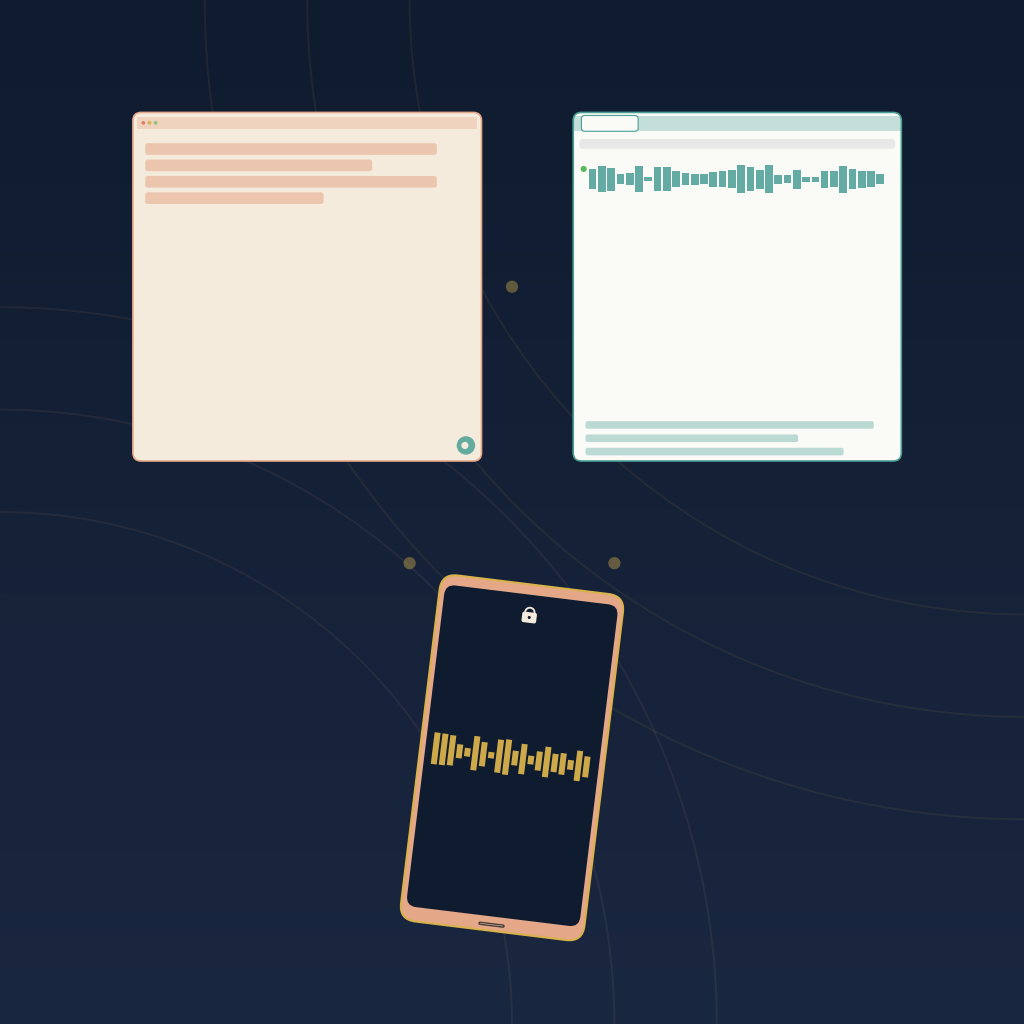
Three completely different form factors, three different trade-offs. All three refuse to send a visible bot into your meeting. That is the only feature they share. From there, everything — where the audio comes from, what happens to it after, what a real year costs — diverges. Here is how the three stack up in 2026, and how to pick the one that matches where your meetings actually happen.
Quick Verdict
Jamie is the best pick if most of your meetings happen at your laptop and you want a polished, offline-first desktop experience with a strong European privacy story you can point compliance at.
Tactiq is the best pick if you already live in Google Meet and want a lightweight, zero-install-for-others browser extension that grabs captions in real time and gets you to a transcript for less than a lunch per month.
AmyNote is the best pick if a significant share of your conversations happen in person, in cars, in coffee shops, or on speakerphone, and you want mobile-first recording with contractual zero-training guarantees from both AI providers.
None of the three sends a visible bot into your call. Which one is right depends less on features than on whether your day is calendar-driven video calls, browser-tab calls, or in-person conversations that never touched a Google Meet link.
What We Compared
We looked at four things: how the tool captures audio, what happens to that audio after capture, how the pricing scales, and where the tool actively falls short. All pricing is current as of July 2026 and confirmed against each vendor's public pricing page.
Jamie: The Desktop-Native Choice
Jamie runs as a native macOS or Windows app (with iOS support) and captures audio directly from your device without joining the meeting as a participant. It works with any conferencing tool because it does not integrate with any of them. It just listens to your microphone and system audio.
Strengths
Jamie transcribes in over 100 languages and handles code-switching cleanly, which matters more than it sounds if you take calls with teams in Berlin, Paris, and Madrid in the same afternoon. The German infrastructure and GDPR posture make it a natural fit for European teams that need to defend a privacy story to legal. Independent reviews in 2026 consistently rank Jamie at the top of the bot-free category for accuracy and ease of use. The free tier is generous enough to try in real workflows: 10 meetings per month, 30 minutes each.
Because Jamie runs on your machine and never joins the call, there is no participant list awkwardness, no consent prompt to negotiate with a legal counterparty, and no "bot" for a prospect to Google after the call. For candid conversations — a recruiter with a passive candidate, a founder with an investor, a partner with a distressed client — that invisibility matters.
Weaknesses
The 30-minute cap on the free plan is short for real meetings. Pricing is in euros and climbs quickly: Plus is EUR 21 per month for 20 meetings, Pro is EUR 39 per month for unlimited meetings (both billed annually), and Team is EUR 33 per seat per month. Anything longer than a 30-minute standup pushes you to a paid plan. Mobile support exists, but the product is clearly desktop-first, and if your workday moves off the laptop by 4pm you are back to notes on your phone.
Best for. Laptop-heavy Europeans, sales teams inside the EU that need a defensible GDPR story, and anyone who wants a bot-free experience without leaving the desktop.
Tactiq: The Browser Extension Choice
Tactiq is a Chrome extension that captures real-time transcripts inside your browser during Google Meet, Zoom web, and Microsoft Teams calls. There is nothing to install for other participants. Nothing joins the meeting.
Strengths
Zero friction for the host. You install once, and Tactiq starts pulling captions and generating summaries automatically. The free plan is generous on transcripts (10 per month) if not on AI credits (5 per month). Paid plans start at $8 per user per month for Pro and jump to $16.67 for Team (with unlimited AI credits). Business is $29.17 per user per month. Tactiq is the cheapest way for a small team to try a bot-free workflow at scale, and the browser-native experience means every teammate can be productive on day one without a security review of a new desktop app.
Weaknesses
Tactiq is Chrome-only, which means no Safari, no Firefox, no native desktop app. It relies on the browser's caption stream, so audio-only calls, phone calls, and in-person meetings are outside its scope entirely. AI credits on the free and Pro tiers are tight. You will hit the ceiling within a few meetings if you use summarization heavily. And because the tool lives in the browser, it does not follow you when you close the tab or step away from the computer.
Best for. Solo Google Meet users on a budget, small startups where every teammate lives inside the browser, and account managers who take five Zoom calls a day and want the transcript to appear automatically without touching a settings menu.
AmyNote: The Mobile-First Choice
AmyNote is a smartphone app. It records in-person conversations, phone calls on speakerphone, hybrid meetings, and anything else the phone's microphone can hear. Transcription runs through OpenAI's Speech API. Analysis is powered by Anthropic's Claude Opus.
Strengths
In-person coverage is the real differentiator. A sales rep in a cafe, a reporter in a hallway interview, a founder in a back-of-Uber pitch, a doctor doing a home visit. None of those workflows fit a desktop app or a browser extension. AmyNote supports 120 plus languages with real-time translation, and cross-session speaker identification carries across sessions, so recurring participants get recognized without re-training.
Both OpenAI and Anthropic contractually guarantee zero training on user data. Audio is encrypted in transit, not retained after processing. Transcripts are stored locally on the device with end-to-end encryption. There are no hidden minute caps and no confusing tiered ceiling. The pricing is a single subscription with a three-day trial and no credit card, which lets buyers try it in real workflows before opening a corporate expense line.
Weaknesses (honest)
AmyNote has no desktop app. If most of your meetings happen at a laptop with a headset on, Jamie or Tactiq will feel more natural. There are no CRM integrations yet, so pushing action items into Salesforce or HubSpot is a manual copy-paste. There is no video capture. Team features, shared workspaces, and admin controls are still in progress. Brand recognition is smaller than Jamie or Tactiq. If you specifically need a browser overlay during a Google Meet call, AmyNote does not do that either.
Best for. Professionals whose highest-stakes conversations are in person or on a phone call. Lawyers on jail intake, field sales at coffee shops, journalists in hallway interviews, clinicians in patient consults, and consultants on site walks are the archetypes.
Side-by-Side Comparison
- Form factor. Jamie: desktop app (Mac, Windows, iOS). Tactiq: Chrome extension. AmyNote: mobile app.
- In-person meetings. Jamie: yes, via device mic. Tactiq: no. AmyNote: yes, core use case.
- Video calls. Jamie: any platform via device audio. Tactiq: Google Meet, Zoom web, Teams web. AmyNote: yes, via speakerphone or wired headset.
- Free tier. Jamie: 10 meetings per month, 30-minute cap. Tactiq: 10 transcripts, 5 AI credits per month. AmyNote: 3-day trial, no credit card.
- Paid entry. Jamie: EUR 21 per month (Plus). Tactiq: $8 per user per month (Pro). AmyNote: single subscription, no minute-based tiers.
- Languages. Jamie: 100 plus. Tactiq: dependent on browser caption stream. AmyNote: 120 plus with real-time translation.
- Privacy standout. Jamie: German GDPR infrastructure. Tactiq: cloud-based, standard SOC 2 posture. AmyNote: contractual zero-training from OpenAI plus Anthropic, local device storage, E2E encryption.
- CRM integrations. Jamie: yes on paid tiers. Tactiq: yes on paid tiers. AmyNote: none yet.
- Best for. Jamie: laptop-heavy Europeans. Tactiq: solo Google Meet users on a budget. AmyNote: in-person, mobile-first, privacy-first workflows.
The Bottom Line
Pick Jamie if your day is calendar-driven video calls from a laptop and you want a mature desktop product with a clean privacy story a European legal team will sign off on. Pick Tactiq if you want the cheapest, lightest way to pull transcripts out of Google Meet with zero friction and no new app to install. Pick AmyNote if your meetings do not always happen through a screen. If a real share of your work is face-to-face, mobile, or spontaneous, and you want zero-training guarantees on record from both AI providers, AmyNote is the one built for that shape of day.
The category has finally matured past "the bot joins the call and everyone winces." Which of these three fits depends less on features and more on where you actually are when the conversation starts.
Try AmyNote for three days without a credit card at amynote.app and see whether the most valuable conversations in your week already happen where your desktop tools cannot reach.
Originally published as an X Article by @AmyNoteApp.